

A desperate cry for help from our daughter made me realize that we had overlooked a very important activity in our business. And that is: to create a backup.
You see, our daughter is working on her Bachelor performance for Drama School and she has created a huge amount of texts. That morning – due to a Windows update the previous evening – she was logged in as a different user on her laptop. It took some time to realize this, and at first it appeared she had lost all her documents, pictures, video’s, etc.…
When I asked her if she had made a backup it turned out she didn’t really understand what I meant. Most of the information you find on this subject makes it sound so complicated, that people don’t even try to set it up.
While thinking about that, I suddenly realized we didn’t have a backup of everything we created in our business either. At least not in a structured way.
I am going to use this article to make a plan on how to correct this. It’s my intention to update this article as our situation evolves.
As I told our daughter, a backup in its simplest form is just a copy of your data, stored at a safe location. This is something you can do manually on a regular basis. Many people create a backup whenever they think about it. Which is – to be honest – most of the time right after or in the middle of a crisis that might cause them to lose their data.
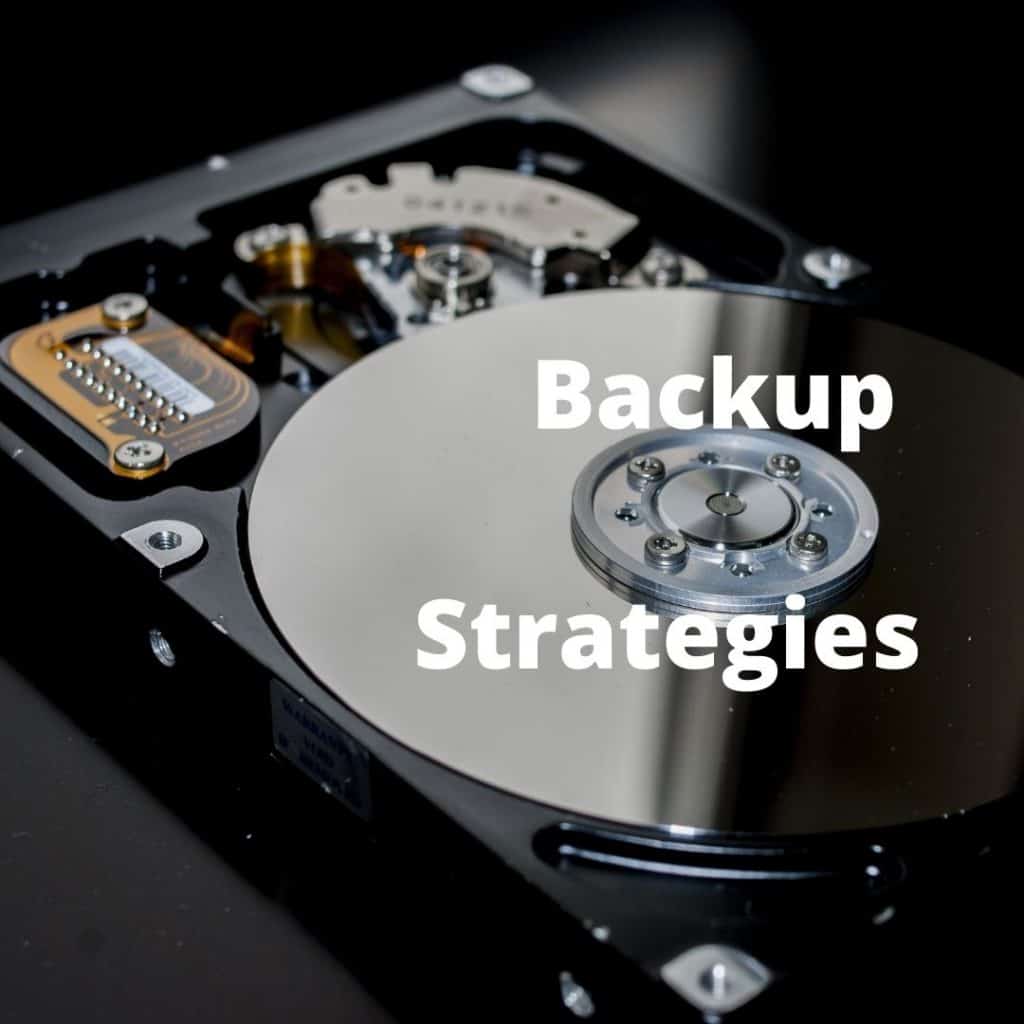
Another option is to use backup Software. The biggest advantage is the capability to automate the process. You can schedule for instance a weekly backup of all your data. Another advantage is the ability to create incremental backup’s. This means that you start from an initial situation, which is updated only with the changes that were detected by the backup software when it compares your new data with the previous one. This capability can save a lot of data storage room.
Consider this: everything that would cause a major or minor crisis in your work or private life if it would get lost, is worth a backup. Think about, pictures you took, digital products you created, articles you wrote, important emails, contracts, confirmations, etc.
It makes no sense to make a backup on the same device the original data resides on. If the harddisk of your computer crashes you want to be able to restore your data on another computer.
Possible locations are: your computer (for data on a server or for your site), a server (if you are connected to a company network), a cloud service like Google, Dropbox, etc.…, an external harddrive or USB that you keep at a safe location.
Life happens fast. You have to have a Plan B, a backup plan and really figure out a way to have different avenues of income and just avenues of happiness. That is what is really important, being at peace and having that happiness
Consider keeping a backup in two locations, i.e. your local computer AND cloud storage, or even off-site for very important information.
In my long career in IT I have seen firsthand the importance of regular backups multiple times. And still for our own business we didn’t implement this practice yet. Yes we do have some copies of video’s and of texts. However, they are taken at different times and stored in different locations.
My daughter’s predicament can be our wake-up call to change this. At least, that’s my intention.
Although I don’t plan to spend days making everything perfect. A Quick assessment learns that the biggest risks of losing data are located on our local PC’s and our website. We mainly use SAAS apps (Software as a Service) which means our data backup is done by the service provider.
In a later stage, however I do plan to make sure our data will be downloaded from those services regularly, so it remains in our hands and doesn’t get lost when something happens to the service or the app.
While making these plans it occurs to me that I enjoy using my project management experience.
A little background research gave me the following plan to set this up for our WordPress site:
As an online entrepreneur your data is part of your capital. A good protection and backup strategy is very important. Let us know in the comments or via email if the information provided was useful to you.


* By signing up for our freebie, you’ll also be joining our email list where we send our best tips, helpful content and offers. We never sell your information and you can easily unsubscribe at any time.

Copyright © 2021 QuantoCat – All Rights Reserved
Leen Bastiaens – Turnhoutsebaan 281, 2100 Deurne, Belgium
CBE nr 0822 363 624 – V.A.T. nr BE 0822 363 624
Hilde Bastiaens – Ringlaan 136A, 2240 Zandhoven, Belgium
CBE nr 0668 901 607 – V.A.T. nr BE 0668 901 607
| Cookie | Duration | Description |
|---|---|---|
| cookielawinfo-checbox-analytics | 11 months | This cookie is set by GDPR Cookie Consent plugin. The cookie is used to store the user consent for the cookies in the category "Analytics". |
| cookielawinfo-checbox-functional | 11 months | The cookie is set by GDPR cookie consent to record the user consent for the cookies in the category "Functional". |
| cookielawinfo-checbox-others | 11 months | This cookie is set by GDPR Cookie Consent plugin. The cookie is used to store the user consent for the cookies in the category "Other. |
| cookielawinfo-checkbox-necessary | 11 months | This cookie is set by GDPR Cookie Consent plugin. The cookies is used to store the user consent for the cookies in the category "Necessary". |
| cookielawinfo-checkbox-performance | 11 months | This cookie is set by GDPR Cookie Consent plugin. The cookie is used to store the user consent for the cookies in the category "Performance". |
| viewed_cookie_policy | 11 months | The cookie is set by the GDPR Cookie Consent plugin and is used to store whether or not user has consented to the use of cookies. It does not store any personal data. |


